

October 21, 2026
Yes, you can print a magazine in small quantities using short-run digital printing rather than committing to a large production run. The minimum order depends on the printer and your specifications; a small order still needs correctly prepared files, a suitable binding, and careful proofing.
Yes. Short-run digital printing lets you produce a limited batch of magazines from print-ready files. You do not need a mass-market circulation to create a printed issue for subscribers, members, contributors, or an event.
Publishing Xpress prints magazines in black-and-white or color and serves individual self-publishers, nonprofits, and organizations without large minimum order requirements. Confirm the requirements for your particular magazine before treating a quantity as an accepted order.
The practical sequence is straightforward:
A small print run changes how many copies you produce—not the need to prepare a finished publication. For a 2026 launch, settle those production decisions before placing advertisements or announcing a delivery date.
A magazine does not have to reach a broad audience to serve a useful purpose. A literary issue, donor publication, association update, or local-interest magazine can have a defined readership from the start.
Short-run printing lets you match the batch to that readership. The benefit is a smaller inventory commitment; the limitation is that you must still organize editing, design, approvals, and distribution.
Start with a distribution plan, not a hoped-for circulation figure. Count committed recipients, then decide whether you need additional copies for contributors, archives, or promotion. Keep those categories separate so you know where every part of the order is going.
Quantity alone does not determine the binding. Page count, paper thickness, and the way readers will handle the issue matter more.
These are the main differences between saddle stitch and perfect binding:
| Binding | Best for | Main advantage | Main limitation |
|---|---|---|---|
| Saddle stitch | Thinner magazines and lightweight issues | Folded sheets create a familiar magazine format | Page count follows folded-sheet requirements, and thickness limits apply |
| Perfect binding | Thicker magazines and collected issues | A glued, squared spine creates a book-like format | Requires sufficient spine thickness and careful inside margins |
Both can serve a small print run when the finished specifications fit the printer's requirements. Choose the binding around the issue you are making, not around an assumed minimum circulation.
Saddle stitching joins folded sheets with staples through the fold. Each folded sheet contributes 4 pages, which is why saddle-stitched layouts work in multiples of four.
One leaf has 2 pages: a front and a back. A blank side still occupies a page position, so do not count only the pages with articles when checking your file.
The main advantage is a familiar, flexible magazine format. The limitation is thickness: paper bulk and page count affect whether the magazine folds and closes properly. Confirm how the printer counts the cover before adjusting your layout.
Perfect binding attaches the interior pages to a wraparound cover with adhesive. The result has a squared spine rather than a stapled fold.
That format suits a substantial issue readers will keep on a shelf. Its limitation is that a thin magazine might not provide enough spine thickness, and content close to the binding is harder to see when the magazine opens.
Use the perfect binding versus saddle stitch guide to compare the construction before committing to a cover design. Do not calculate a perfect-bound cover from page count alone; the selected paper also affects the spine.
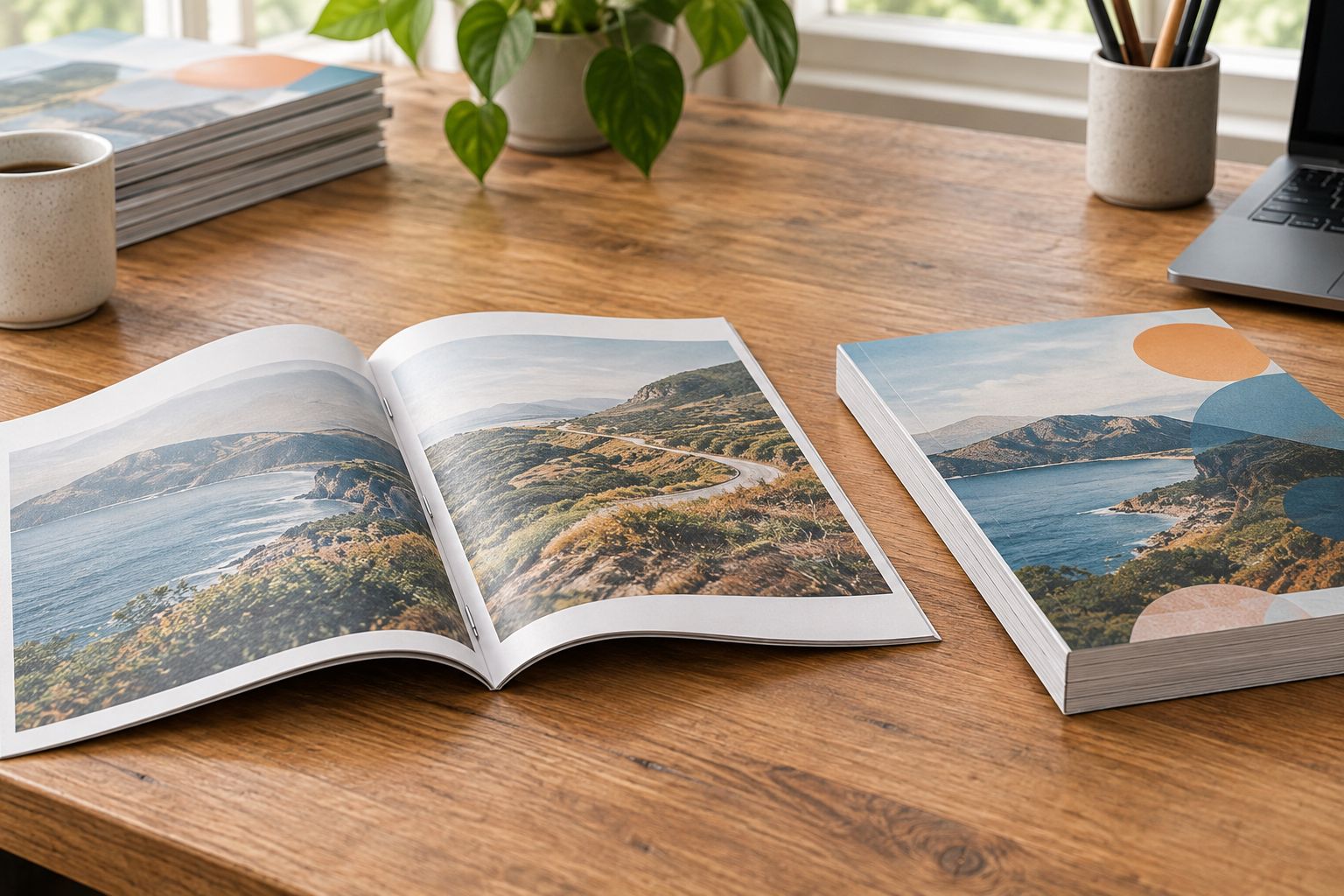
The physical difference matters most at the fold and spine. Inspect those areas when reviewing samples or a physical proof, rather than judging only the front cover.
There is no single specification that fits every small magazine order. For your 2026 issue, get agreement on these details before exporting final files:
Keep the specifications identical when comparing printing proposals. Otherwise, a difference in paper or binding can look like a difference between equivalent services when the proposed magazines are actually different.
Finish the production brief before polishing the final layout. Rebuilding a cover after changing the binding creates avoidable work, even when the print run is small.
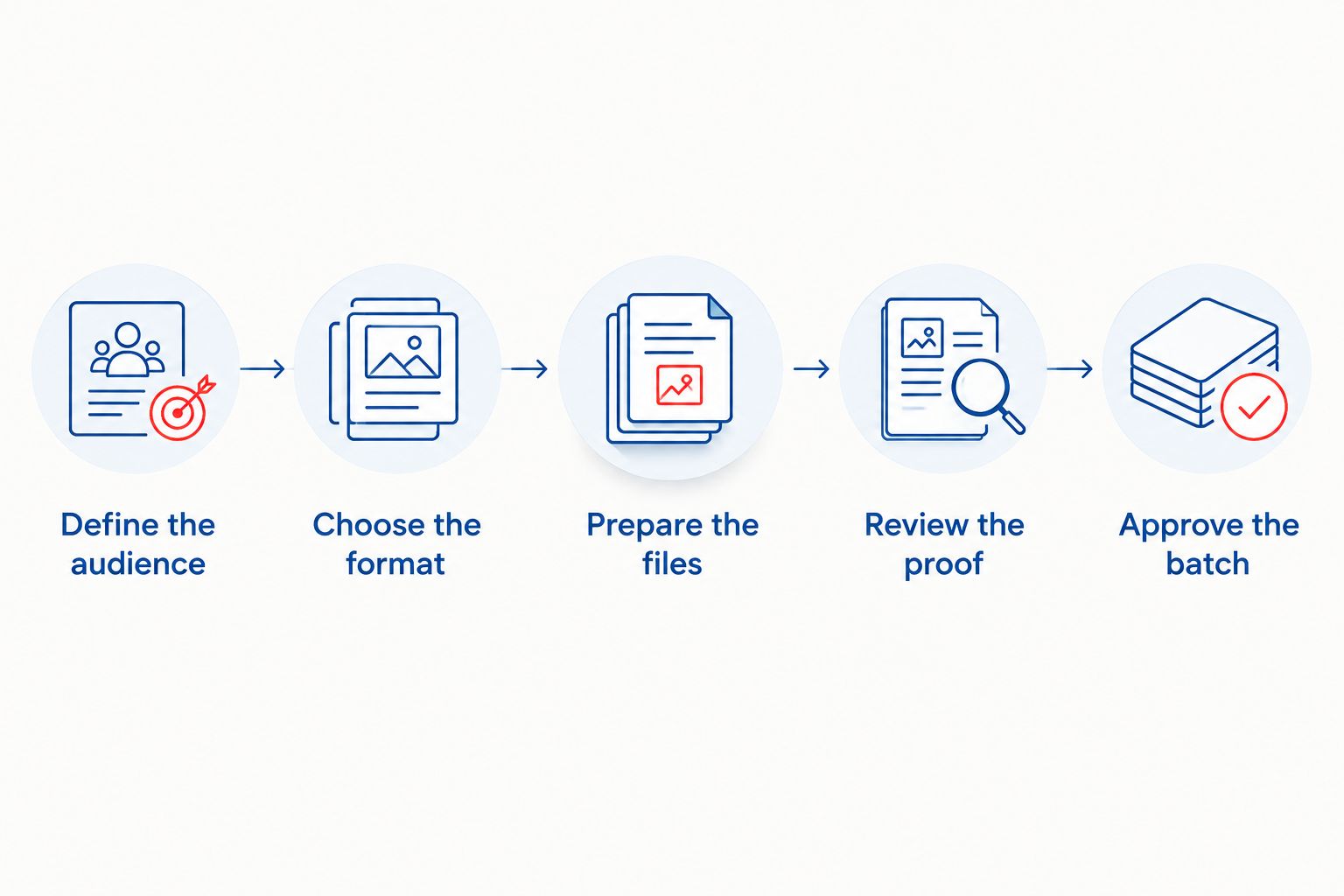
Use this sequence for your first issue or your next 2026 edition.
Write down who will receive the magazine and how it will reach them. Separate mailed recipients from event handouts, contributor copies, and archive copies so you do not count the same person twice.
Do not add a large reserve simply because the magazine feels more established with a bigger print run. Extra copies need a purpose and a place to go.
Select a finished size that accommodates your articles, photographs, captions, and advertisements comfortably. If you accept advertising, give advertisers the actual dimensions and file requirements before they prepare artwork.
Choose the binding while the page count is still flexible. A late change between stapled and glued construction can affect the cover, inside margins, and placement of images across facing pages.
Set the document to the final trim size and follow the printer's instructions for bleed, safe margins, and PDF export. Bleed extends edge-to-edge artwork beyond the cut line; safe margins keep essential content away from trimming and binding.
Submit pages in the arrangement the printer requests. Do not rearrange them into folded-sheet printing order unless specifically instructed to do so.
Read the exported PDF rather than relying on the editable design document. Check the contents page against the actual article locations, then inspect captions, credits, contact details, and advertisements.
If a physical proof is part of the agreed process, use it to judge the printed result. A screen cannot show the paper's feel, the magazine's opening behavior, or how content sits near the binding.
Approve only the final version and make sure everyone responsible for sign-off has reviewed that version. Keep the approved interior, cover, and order specifications together.
The workflow should move from audience to approval without skipping the production decisions in between. A last-minute editorial correction belongs in the final PDF, not only in an email or an older layout file.
A short run deserves the same file checks as a large one. Before sending your 2026 magazine to production, inspect these common trouble spots:
Check the exported PDF after every final correction. Fixing an article can move a heading, change a page break, or leave the contents page pointing to the wrong place.
Keep a clearly named approved file for each issue. If you reorder later, confirm whether you want an exact reprint or a revised edition before sending anything to production.
Yes. A limited batch is a practical way to produce a first issue for an identifiable audience without committing to a large inventory.
The trade-off is that printing does not establish readership by itself. Before approving the order, identify the subscribers, members, event attendees, or other recipients who will actually receive it.
For a 2026 pilot issue, record distribution and reader feedback separately. Copies handed out show distribution; responses about the articles, photographs, and format help you decide what to change in the next issue.
Yes. Small-quantity magazine printing can use full-color interiors when the selected printing service supports them.
Choose color when it carries information, such as artwork, product photographs, or color-coded charts. Black-and-white suits content that remains clear without color, but photographs and graphics still need deliberate preparation rather than an unchecked conversion.
Yes, you can arrange a later reprint with a printer that accepts the new order and specifications. Keep the approved production files so you can identify exactly which version you want reproduced.
Check dated content before reordering. A 2026 event listing, membership message, or advertisement can need revision even when the rest of the magazine remains useful.
Publishing Xpress is best for self-publishers and organizations seeking short-run magazine printing without large minimum orders. Its magazine printing includes black-and-white and color options, with binding choices that include saddle stitch and perfect binding.
The benefit is a printing service aligned with smaller publishing projects. The responsibility that remains with you is choosing a suitable format, preparing accurate content, and checking the proof before approval.
Confirm the exact quantity and production specifications for your issue rather than treating a general short-run description as approval for every possible combination.
Can you print a magazine in small quantities?
Yes, short-run digital printing supports small-quantity magazine production. Confirm the printer’s minimum order and the requirements for your chosen size, paper, page count, and binding.
What’s the minimum number of magazines I can order?
The minimum depends on the printer and the magazine specifications. Confirm it for the actual binding and format you intend to order before finalizing the layout.
Is saddle stitch better than perfect binding for a small magazine?
Saddle stitch is better suited to thinner magazines; perfect binding suits issues with sufficient thickness for a glued spine. Order quantity alone does not determine which binding fits.
Does a saddle-stitched magazine need a page count divisible by four?
Yes, saddle-stitched magazines use folded sheets that contribute 4 pages each. Confirm how the printer counts the cover and include blank pages when checking the total.
Can I print a small magazine with color photographs?
Yes, small magazine runs can include color photographs. Check image resolution at the final placed size and follow the printer’s color and PDF requirements.
Can Publishing Xpress print magazines for a nonprofit?
Yes, Publishing Xpress serves nonprofits and prints magazines without large minimum order requirements. Confirm the specifications and quantity for your publication before preparing final production files.
Should I check a proof before printing a small batch?
Yes, check the proof even when the print run is small. Verify article order, images, captions, advertisements, cover details, and the exported PDF before approving production.
Count page positions, not just printed content. A blank page still belongs to the magazine's structure, and deleting it can disrupt a saddle-stitched layout or shift content onto the wrong facing page.
Before approval, compare the PDF page count with the agreed order specifications. That simple check catches a problem that is easy to overlook when you are focused on the articles.
© 2026 Publishing Xpress. All Rights Reserved.

