July 26, 2026
Every small business eventually needs a printed brochure that looks as sharp as the website, explains the offer in under thirty seconds, and doesn't require a 5,000-unit minimum order to get printed. This guide breaks down what actually matters when you're buying brochure printing for a small business in 2026 — not the printing jargon, the buying decisions.
A brochure is still the fastest way to hand someone your whole pitch in one piece of paper, and it's the one marketing asset a prospect can walk out the door with. Digital ads disappear when the tab closes; a brochure sits on a desk, a counter, or a passenger seat for weeks. Publishing Xpress prints short runs with no large minimum order requirement, which matters more for a small business than it does for a franchise ordering 50,000 copies a quarter.
The mistake most small businesses make isn't picking a bad printer — it's picking the wrong format for the message. A four-panel tri-fold can't carry a 12-item service menu. A postcard can't carry a full origin story. Get the format wrong and the copy either gets crammed or the piece gets tossed.
This guide is for owner-operators and marketing leads at businesses under roughly 50 employees — contractors, clinics, real estate offices, boutique retailers, consultants — who need a printed piece for a trade show, a counter display, a direct-mail drop, or a leave-behind after a sales call. If you're printing for a nonprofit gala or a 200-page catalog, the calculus changes; this is built for the brochure-and-flyer tier of small business marketing.
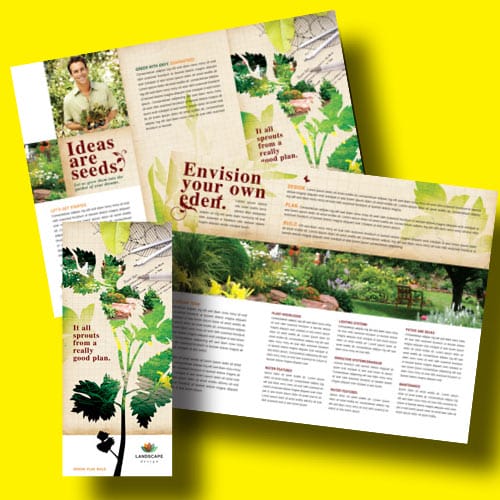
A tri-fold gives you six panels to work with — cover, back, and four interior panels for services, pricing tiers, or a short story. A bi-fold gives you four larger panels, better for photo-heavy layouts with less copy. Pick the fold based on how much you actually need to say, not on what looks familiar.
Small businesses get burned ordering 2,500 brochures for a single trade show because that was the printer's minimum. A 100-copy minimum with orders in increments of 1 copy after that means you can print exactly what you'll use this quarter and reorder when the design changes.
A brochure printed on flimsy stock reads as cheap no matter how good the design is. Heavier cover stock holds up in a bag or glovebox; lighter text-weight stock works for higher page counts where handling matters less than page count.
Full color costs more per unit but a small business brochure is usually a first impression — a faded black-and-white flyer next to a competitor's full-color piece loses before anyone reads a word. Reserve black-and-white for internal documents, not customer-facing brochures.
Any image or color block that's supposed to run to the edge of the page needs to extend past the trim line, typically by 0.125 inches on each side. Submit a file without bleed and you either get a reprint or a brochure with an accidental white border.
A brochure for next month's trade show needs a different timeline than a brochure you're stocking for the next two years. Confirm the production window before you finalize the design, not after.
Tri-fold brochure — the workhorse pick. Standard 8.5" x 11" flat size folding to six panels, letter-size when folded. This is the default format for a general services overview, a menu of offerings, or a leave-behind after a sales meeting. Buy for most small businesses that need one flexible piece.
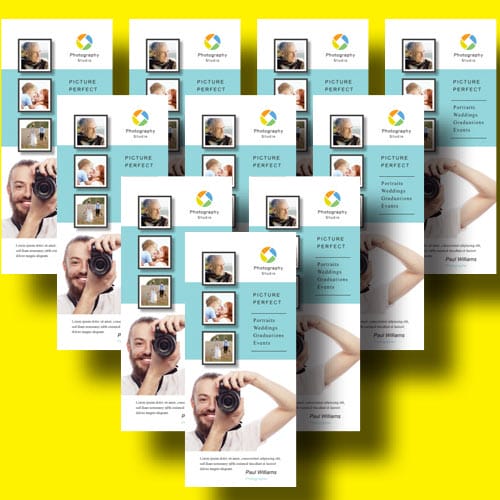
Rack card — the quick-glance pick. Roughly 4" x 9", designed for countertop and rack display in lobbies, hotels, or trade show booths. It carries a headline, a photo, and a call to action — not a full service breakdown. Buy for point-of-sale and lobby placement, Skip if your offer needs more than three sentences to explain.
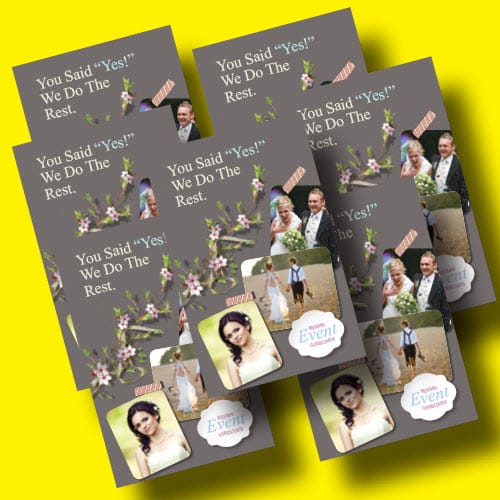
Postcard mailer — the budget direct-mail pick. No fold, single flat sheet, cheapest per-unit format on this list because there's no folding step. Works for announcement mailers — a new location, a seasonal promotion, a reactivation campaign to a customer list. Consider for direct mail, Skip for walk-in retail where a brochure needs to survive being picked up and put down repeatedly.
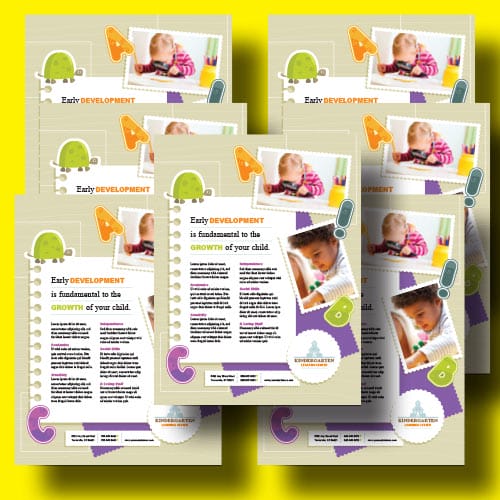
Newsletter format — the relationship builder. Multi-page format built for recurring contact rather than a single pitch. Newsletter printing for small businesses covers layout and mailing specifics if you're moving from a one-off brochure to a quarterly touchpoint. Buy if you have a repeat-customer base worth staying in front of; Skip if this is a one-time campaign.
Informational booklet — the storyteller. Once your message needs more than six panels — multiple services, tiered pricing, a process walkthrough — a brochure format starts to feel cramped. Informational booklet printing covers page counts and binding choices for exactly this jump. Buy for service businesses with more to explain than a tri-fold can hold; Skip if you can say it all in four panels — that's just a longer brochure pretending to be a booklet.
Overloading a tri-fold with a full product line. If you're listing more than a dozen items with prices and specs, you've outgrown brochure format — that's a job for product catalog printing, not a squeezed sixth panel.
Ordering a huge run because the price-per-unit looks better. A lower per-unit cost on 2,500 copies is still a worse deal than 250 copies if your logo or offer changes before you use half of them. A 1-copy increment minimum exists so you don't have to gamble.
Treating your brochure printer as separate from the rest of your marketing budget. A brochure works alongside your website, not instead of it — before you finalize a print run, it's worth checking that your online presence can carry the same message; comparing website plans for small businesses against your print spend keeps the two channels from pulling in different directions.
“If your brochure needs more than six panels to explain the offer, print a booklet instead.”
| Format | Best use case | Panel/page count | Minimum order | Verdict |
|---|---|---|---|---|
| Tri-fold brochure | General marketing, leave-behind | 6 panels | 100 copies | Buy |
| Rack card | Lobby, trade show counter | 1 panel | 100 copies | Buy |
| Postcard mailer | Direct mail, announcements | 1 panel, no fold | 100 copies | Consider |
| Newsletter | Repeat-customer relationship building | 4+ pages | 100 copies | Buy for recurring contact |
| Informational booklet | Multi-service, tiered offer | 8+ pages | 100 copies | Buy for detailed offers |
What’s the best paper weight for small business brochure printing in 2026?
A heavier cover stock holds up best for a brochure that gets handled and carried, while lighter text-weight stock suits higher page-count formats like booklets. Match the stock to how the piece will actually be used, not just how it looks on screen.
Is tri-fold or bi-fold better for a service business?
Tri-fold gives you six panels and fits most service businesses listing multiple offerings or a short story plus pricing. Bi-fold works better when the piece is photo-led with less copy per panel.
How many brochures should a small business order for a trade show?
Order close to what you’ll realistically hand out at that specific event rather than a bulk run meant to last a year. A 100-copy minimum with 1-copy increments means you can reorder cheaply once your design or offer changes.
Can I print brochures in black and white to save money?
You can, but a customer-facing brochure in black and white next to a competitor’s full-color piece usually reads as the lower-budget option. Save black-and-white for internal documents, not the piece you hand to a prospect.
What file format do I need to send for brochure printing?
A print-ready PDF with bleed extended 0.125 inches past the trim line on any edge-to-edge color or image is the standard requirement. Missing bleed is the most common reason a first print run comes back with an unintended white border.
How is a rack card different from a brochure?
A rack card is a single flat panel around 4 inches by 9 inches meant for a headline, an image, and a call to action in a lobby or counter display. A brochure folds into multiple panels and carries more copy for a full pitch.
Do brochures need bleed margins?
Yes, any design element that runs to the edge of the page needs to extend past the trim line, typically by 0.125 inches. Without it, the trim can leave a thin white edge where color was supposed to reach the border.
Is a direct mail postcard better than a folded brochure for a small business?
A postcard mailer costs less per unit because there’s no folding step, which makes it a fit for announcement-style direct mail. A folded brochure works better for walk-in settings where the piece needs to survive repeated handling.
The format decision matters more than the design decision. A beautifully designed tri-fold trying to carry twelve services and four pricing tiers will always underperform an ugly informational booklet that actually fits the content — panel count is a budget for information, and most small businesses blow through it before they blow the design.
© 2026 Publishing Xpress. All Rights Reserved.