August 4, 2026
Switching a book from offset to print on demand isn't a vendor change — it's a file change, a binding decision, and a new math problem for your per-unit cost. This guide walks through the exact steps for making that move in 2026 without a wasted proof run or a rejected file.
Offset printing rewards volume. You pay a setup cost to load plates onto the press, then the per-unit price drops as the run gets bigger — which is exactly why offset shops ask for 500, 1,000, or more copies before they'll quote a job. If you're reordering 50 copies a quarter instead of 2,000 copies once, you're paying for capacity you don't use.
Print on demand vs offset printing skips the plate setup entirely. A digital press prints straight from your PDF, so the 40th copy costs close to what the 4th copy costs. That's the entire case for switching in 2026: match your print quantity to actual demand instead of a press minimum.
The catch is that offset files and POD files aren't always interchangeable. Spot colors, oversized bleed, and spine calculations built for a specific offset press can get flagged or misprinted on a digital press. That's what the steps below fix.
Pull your last offset invoice and count what you actually ordered versus what you sold. If you printed 1,000 copies to hit a minimum and still have 300 sitting in a garage, that's your switch signal. Note the trim size, paper stock, and binding type on that invoice — you'll need all three for step two.
Common mistake: authors switch printers without checking whether their old trim size (say, 5.5" x 8.5") is even offered by the new process. Confirm it before you touch a file.
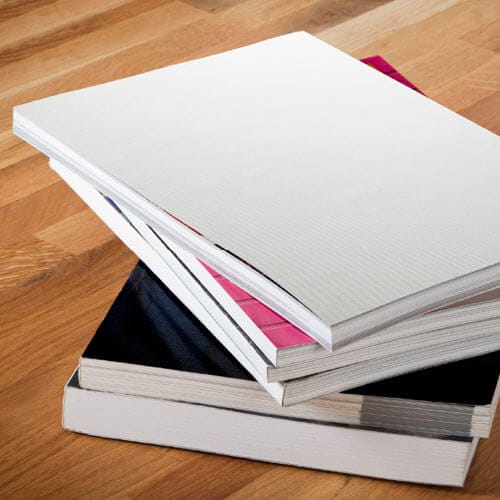
Binding drives file specs more than any other decision. A 40-page cookbook that lay-flat opens well in plastic coil will misbehave in perfect bound below 60 pages. A 200-page novel that worked in perfect bound on offset will work the same way on a digital press — that conversion is the easiest one you'll make.
If you're unsure which binding fits your page count and use case, that decision needs to happen before file conversion, not after. Print-on-demand books for self-published authors covers which binding types hold up best for POD short runs specifically.
This is where most switches stall. Offset presses tolerate spot-color builds, larger bleed margins, and looser image resolution than digital presses do. Re-export your interior as a single, flattened, print-ready PDF with embedded fonts and CMYK color — not RGB, not spot color.
For perfect bound specifically, prepare a print-ready PDF for perfect bound printing walks through the exact export settings: margins, bleed, and spine allowance. Skipping this step is the single most common reason a POD proof gets rejected on the first submission.
Expected outcome: two clean PDFs — interior and cover — each under the file size and color-mode requirements for a digital press, ready to upload without a manual fix.
Don't retire your offset relationship until you've held a physical proof from the new process. Check spine alignment, color match against your old offset copies, and how the binding holds up when the book is opened flat on a table.
A proof costs the price of a single unit. A reprint after a bad full run costs the price of the whole run plus the delay. That math alone justifies the extra week.
Offset pricing drops sharply at volume; POD pricing stays close to flat per copy regardless of quantity. Run the numbers at your actual order size, not your old offset minimum. If you're reordering under 200 copies at a time in 2026, POD almost always wins on total cost even if the offset per-unit price looks lower on paper — because offset forces you to buy more than you sell.
Once your proof passes, set a reorder trigger based on actual sell-through instead of a press minimum. Since POD has no large minimum order requirement, you can reorder in small batches as stock runs low instead of warehousing hundreds of copies against future demand.
Common mistake: authors keep reordering in old offset-sized batches out of habit, which defeats the entire reason for switching.
If your ISBN, barcode, or listed page count changes with the new binding or trim size, update every sales channel where the book is listed. A mismatched spec between your printed book and your online listing generates returns and one-star reviews that have nothing to do with the writing.
“A reprint after a bad full run costs the price of the whole run plus the delay — a proof copy costs one unit.”
Cover file gets rejected for bleed. Digital presses are stricter about bleed tolerance than most offset setups. Re-check your bleed margin against the exact spec sheet for your binding type before resubmitting.
Colors look duller or shifted versus your old offset copies. Offset and digital presses use different ink systems (spot/PMS versus CMYK). Some shift is normal — ask for a color proof before running a full batch if this matters for cover art or photography.
Spine text is off-center or wraps onto the front cover. This almost always means the spine width was calculated for the wrong page count or paper stock. Recalculate spine width any time your final page count changes by more than a few pages.
Book won't lay flat when opened. This is a binding mismatch, not a file problem. Perfect bound resists lying flat under 100 pages; plastic coil and wire-o lay flat at any page count. Switch binding type, not files.
Reorder quantity feels arbitrary. If you're still ordering in offset-sized batches (250, 500, 1,000), you haven't actually adjusted your ordering habit to match POD's lack of a large minimum. Reorder against actual sales, not old habits.
Cost per copy looks higher than the old offset price. Compare it against your realistic order size, not the offset minimum you used to hit. POD almost always wins once you stop comparing against artificially inflated offset volume.
| Binding | Carries over cleanly? | Watch for |
|---|---|---|
| Perfect bound | Yes, above 60 pages | Spine width recalculation |
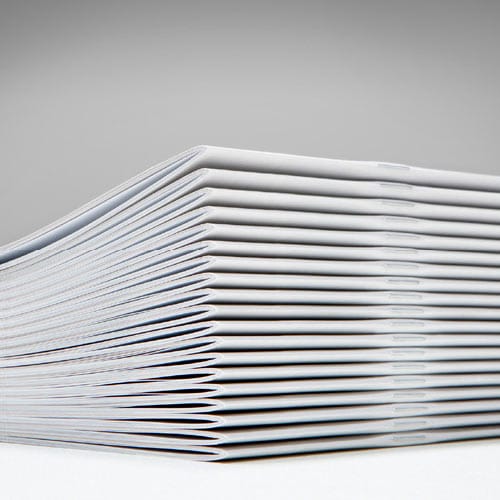
| Saddle stitch | Yes, under 92 pages | Center-spread bleed |
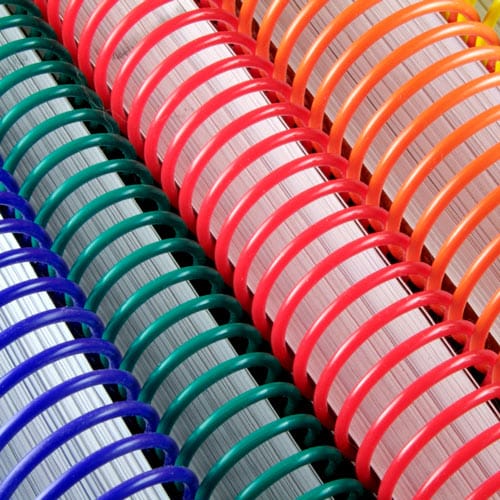
| Wire-o | Needs spec recheck | Hole punch alignment |
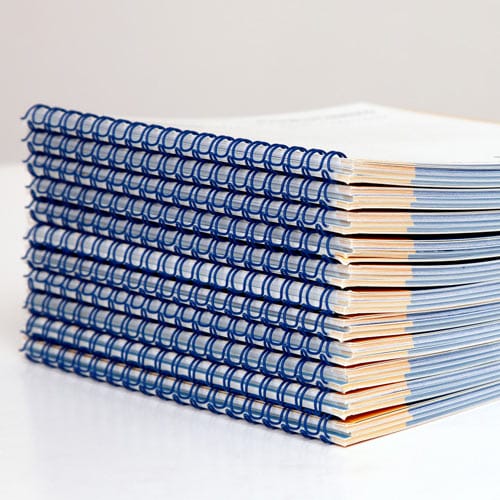
| Plastic coil | Needs spec recheck | Coil diameter vs page count |
Once your proof copy passes and your reorder rules are set, the next decision is which printer actually handles your new POD volume best — short runs, no large minimums, and turnaround that fits a reorder cycle instead of a warehouse cycle.
How do I switch from offset to print on demand printing?
Audit your last offset run, lock in a binding and trim size, re-export your files as print-ready PDFs, and order a single proof copy before canceling your offset order. Most switches in 2026 take one file conversion and one proof cycle.
Is print on demand cheaper than offset printing?
It depends on volume. Offset drops in per-unit price as the run grows, but forces a large minimum order; print on demand stays close to flat per copy with no large minimum, so it usually wins for orders under a few hundred copies.
Do I need new files to switch to print on demand?
Usually yes. Offset files often use spot color, wider bleed tolerance, or spine calculations tied to a specific press. Re-export as a flattened, CMYK, print-ready PDF before submitting to a digital press.
Which binding works best when switching from offset to POD?
Perfect bound and saddle stitch convert the most cleanly. Wire-o and plastic coil still work but need spine and hole-punch specs rechecked against the new process’s exact tolerances.
Do I need a new ISBN if I switch printers?
Not automatically, but if your trim size, page count, or binding type changes, update every sales listing to match the new specs so buyers don’t receive a book that contradicts the listing.
How many copies should I order after switching to print on demand?
Order against actual sell-through, not your old offset minimum. Print on demand has no large minimum order requirement, so small, frequent reorders beat one large batch.
Will my book look different after switching from offset to digital printing?
Some color shift is normal since offset and digital presses use different ink systems. Request a color proof before a full run if cover art or photo-heavy interiors matter to you.
Can I switch back to offset later if my volume grows?
Yes. Keep your source files, not just the POD-exported PDF, so you can regenerate an offset-ready file if your order size eventually justifies a large run again.
The detail most people miss when they switch: binding type matters more than printer choice for how the book performs after printing. A cookbook or workbook that needs to lay flat on a counter will fight you in perfect bound no matter which press printed it — the fix is plastic coil or wire-o, not a different vendor. Get the binding right before you touch a single file, and the rest of the switch in 2026 is mostly paperwork.
© 2026 Publishing Xpress. All Rights Reserved.